
Clark Player
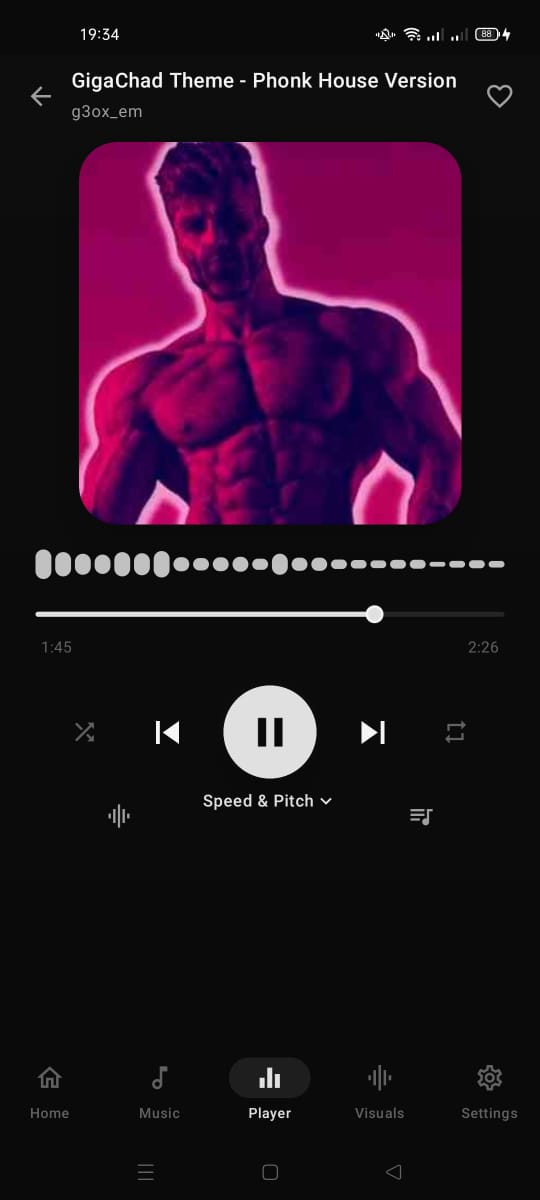
Your music, your rules. Clark Player is a fully offline Android music player that puts you in control — from a precision equalizer and real-time visualizer to speed, pitch, and reverb adjustments, all wrapped in a clean interface that feels native to your device.
Built for music lovers.
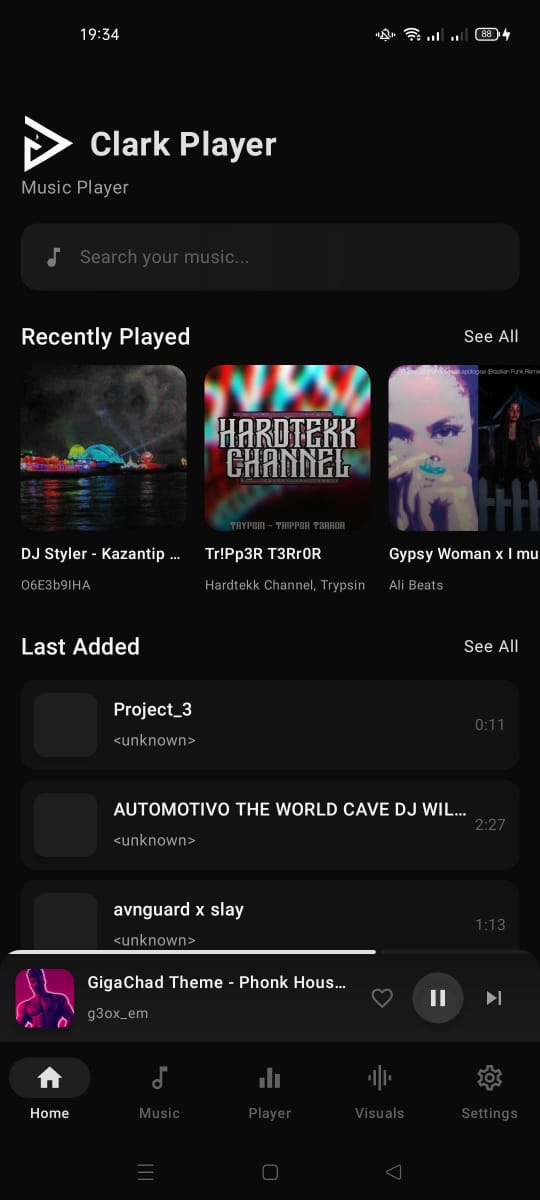
Library
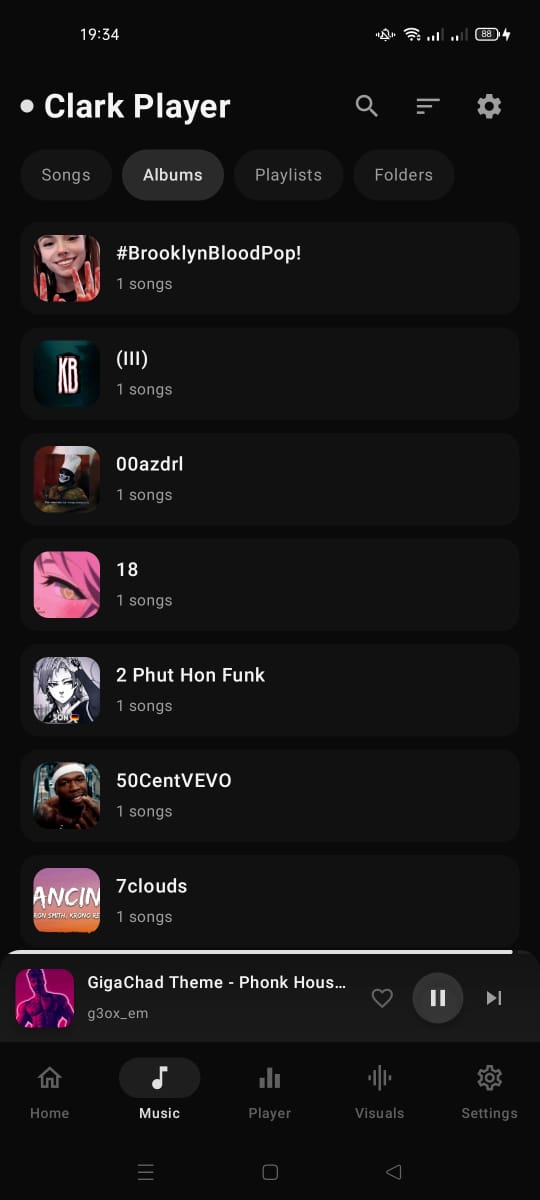
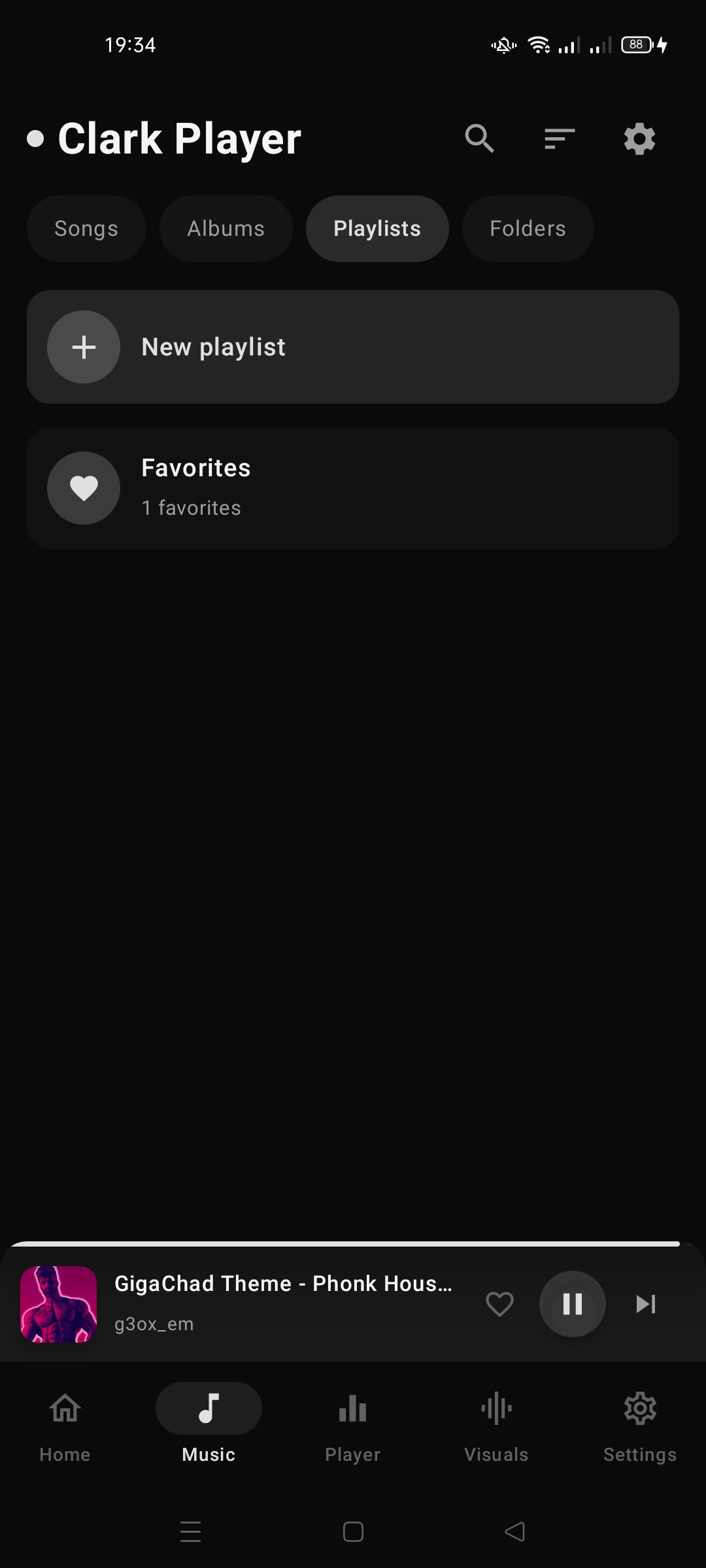
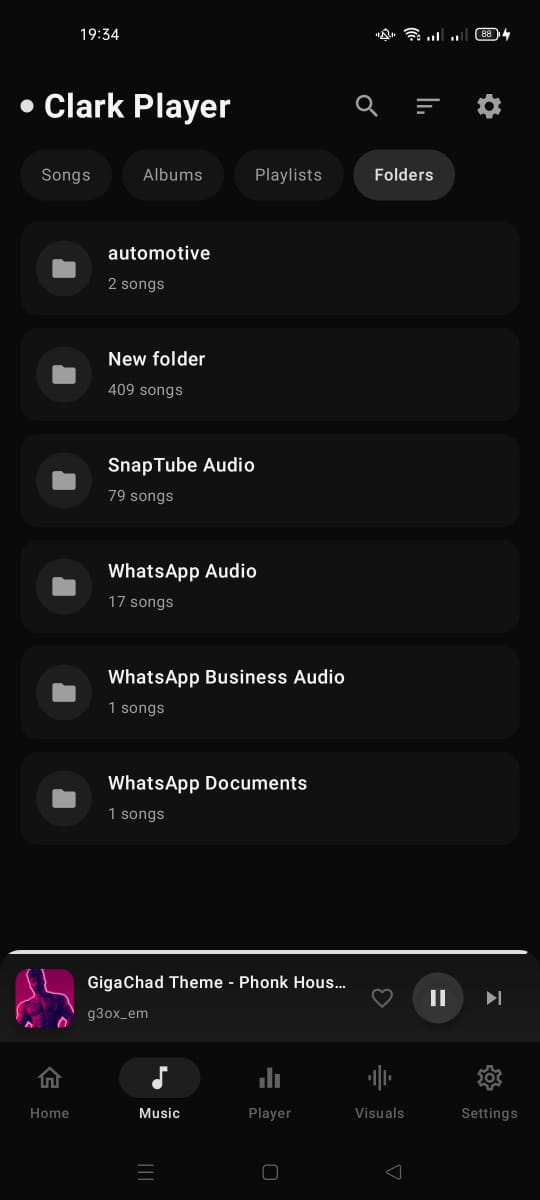
All your tracks in one place. Search instantly, build playlists, and mark favorites for quick access. No syncing, no accounts — just your music, organized the way you want.
Equalizer
5-band or 10-band graphic EQ with built-in presets — Flat, Bass Boost, Vocal, Electronic, and more. Save your own custom presets. Fine-tune every frequency to match your headphones and taste.
Bass & Space
Feel the low end with dedicated bass boost, or widen the soundstage with 3D spatial virtualization. Both adjustable in real-time without leaving the player screen.
Reverb
Add depth to any track with Small Room, Medium Room, Large Room, or Plate reverb. Like playing in a concert hall from your headphones.
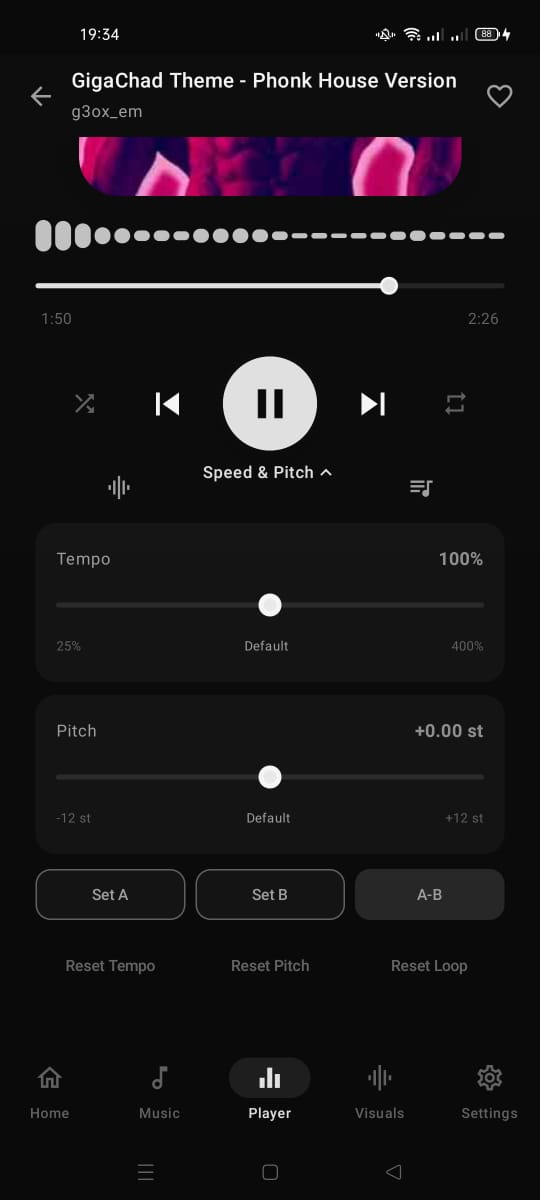
Speed & Pitch
Slow down a guitar riff to learn it, speed up a podcast, or shift pitch independently. Range from 0.25x to 4.0x, with zero unwanted distortion when you don't want it.
Playback
Loop any section for practice with A-B repeat. Shuffle your queue, repeat a track or entire playlist. Full control over how your music plays.
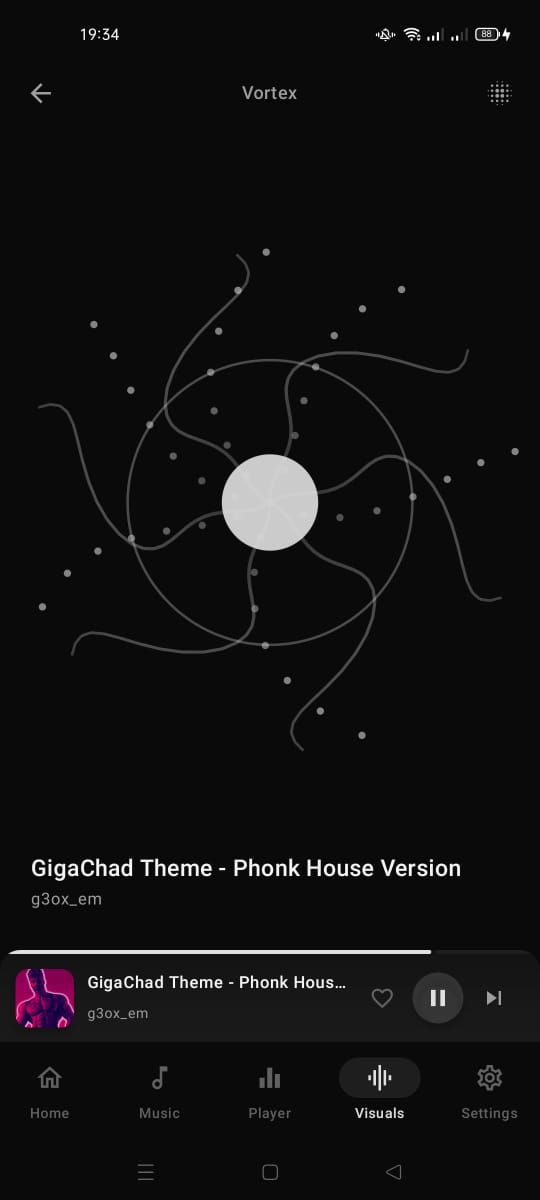
Visualizer
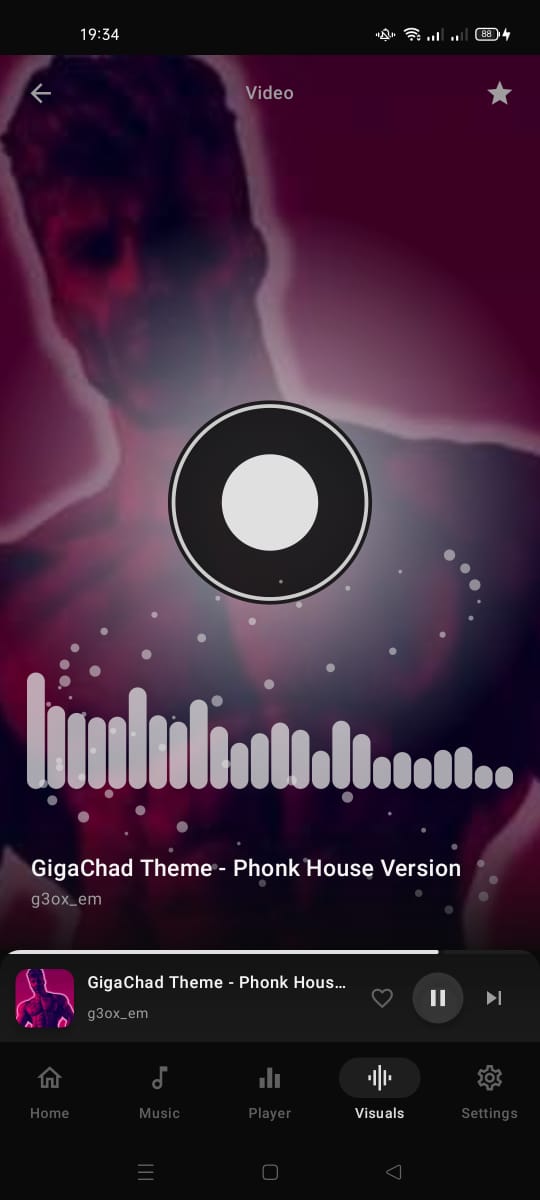
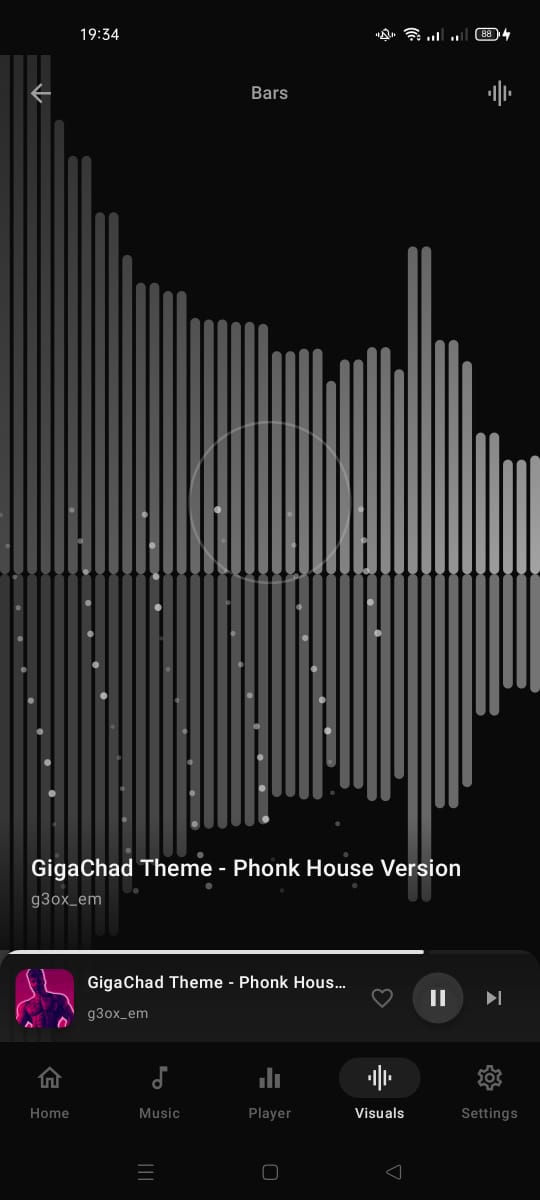
Audio-reactive visuals that move with your music. Choose from bar equalizer, vortex, or video-reactive modes — all rendered in real-time from FFT data.
Recorder
Capture ideas, memos, or jam sessions in high-quality .m4a. Built right into the app — no extra download needed.
See it in action.
Safe, simple, fast.


Clark Player should combine the powerful audio-control capabilities of Music Speed Changer, the highly dynamic audio-reactive visualization experience of Avee Player, and the clean, accessible, media-focused UI/UX approach of Lark Player. Clark Player should not copy their interfaces or branding; instead, it should take inspiration from the types of functionality users expect from these apps and build a unique Clark Player identity around them. Design Philosophy